-Blog
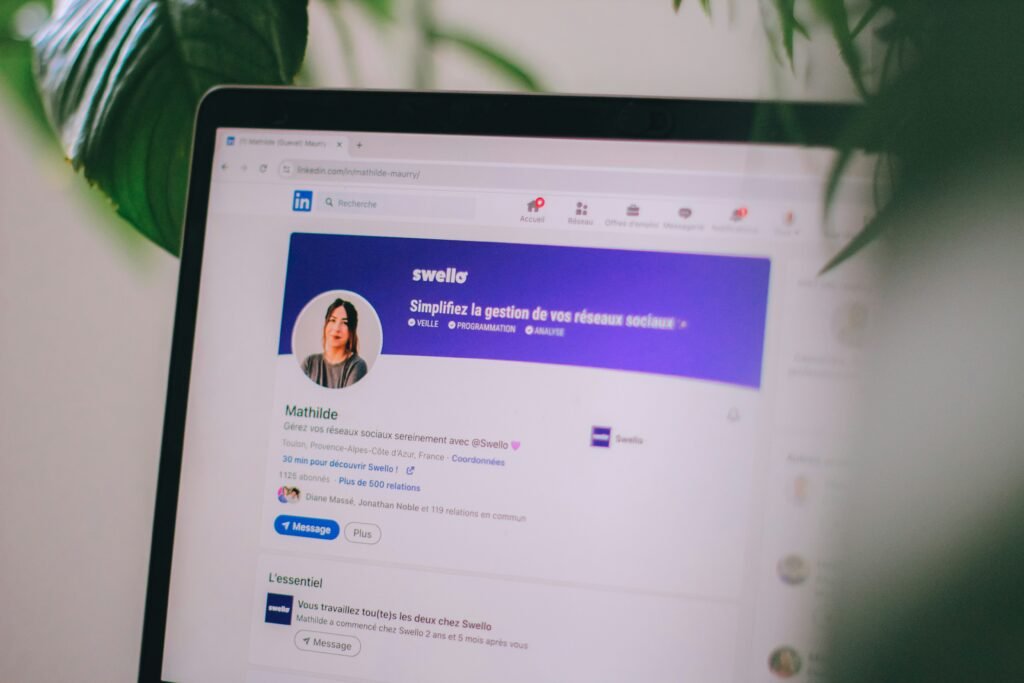
Recruiters increasingly search LinkedIn before, or instead of, reviewing resumes. If your profile is outdated, incomplete, or doesn’t match your resume, you could be missing opportunities without even applying.
Your headline shouldn’t just repeat your job title. Include the industry, key skills or specialisation that make you searchable, for example, “Marketing Specialist | SEO & Content Strategy | Melbourne.”
The “About” section is your chance to introduce yourself in your own words. Focus on what you do, who you help, and what results you deliver, rather than a dry list of responsibilities.
Recruiters often compare your LinkedIn profile to your resume. Inconsistent dates, titles or achievements can raise red flags, so keep both documents aligned.
LinkedIn’s search algorithm relies heavily on the skills section. Add the specific skills relevant to your target roles, and don’t be afraid to ask former colleagues for endorsements or recommendations.
Profiles with a clear, professional headshot receive significantly more views. A simple, on-brand banner image also makes your profile look more complete and intentional.
If you’re actively job hunting, LinkedIn’s “Open to Work” feature, visible to recruiters only, if you choose, signals your availability directly to the people searching for candidates.
Regularly commenting on industry posts or sharing relevant articles keeps your profile active and visible in your network’s feed, which can lead to more recruiter views over time.
Want your LinkedIn profile written for you? Add a LinkedIn rewrite to your package with A+ Resume.
Start your resume