-Blog
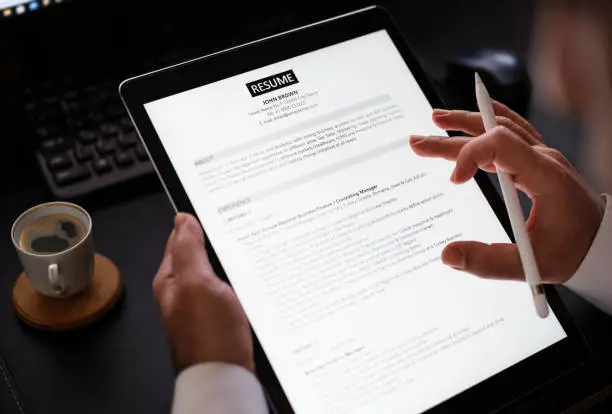
Most medium and large Australian employers use applicant tracking systems (ATS) to filter resumes before a human ever sees them. If your resume isn’t formatted correctly, it may never make it past this first automated screen, no matter how qualified you are.
An ATS scans your resume for keywords, formatting cues and structure, then ranks or filters candidates based on how closely they match the job description. Recruiters typically only review the top-ranked resumes manually.
ATS software is trained to recognise common headings like “Work Experience,” “Education” and “Skills.” Creative alternatives like “My Journey” or “What I Bring” can confuse the system and cause it to miss important information.
While a two-column resume might look modern, many ATS platforms read left to right across the whole page, scrambling the content. Stick to a single-column format for maximum compatibility.
Read the job ad closely and include the same terms the employer uses, for both hard skills (software, certifications) and soft skills (leadership, communication), as long as they genuinely reflect your experience.
Word documents (.docx) and simple PDFs are generally the safest formats for ATS compatibility. Avoid image-based PDFs or unusual file types.
Some ATS platforms don’t read headers and footers correctly, so your name, contact details and key content should sit in the main body of the document.
An ATS-friendly resume still needs to impress a real person once it’s shortlisted. The goal is a resume that reads naturally, tells a clear story, and happens to also be structured correctly for the software scanning it first.
Want a resume built to pass both the ATS and the hiring manager? Start your resume with A+ Resume today.
Start your resume